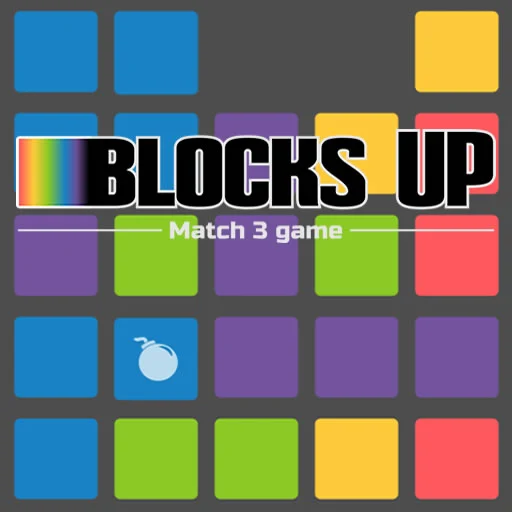


Stack, plan, and climb higher in Blocks Up, a satisfying spatial puzzle where careful block placement determines whether you build a stable, impressive tower or watch your progress collapse into a frustrating mess. Every piece needs to be positioned thoughtfully, considering balance, shape, and how it fits with everything already placed, since one careless placement can throw off your entire structure and cost you valuable progress. The genuine challenge lies in thinking several steps ahead, visualizing how each new block will interact with your existing tower before committing to a placement you might regret. There’s a real sense of accomplishment in watching a carefully planned structure rise steadily higher, especially compared to the frustration of an earlier attempt that toppled over from careless placement. Each level introduces new block shapes and trickier stacking challenges, keeping the core building mechanic feeling fresh and genuinely demanding well beyond the easier early stages. The clean, satisfying visuals give clear feedback on every placement, making it easy to understand exactly why a structure succeeded or failed and adjust your strategy accordingly. It’s the kind of puzzle that rewards patience and careful spatial reasoning over rushed, impulsive placement, giving thoughtful players a genuine edge over careless ones. Because it loads instantly in your browser, it’s perfect for a quick mental workout or a longer session dedicated to perfecting your stacking strategy. Puzzle fans who enjoy spatial reasoning and careful planning will find plenty of satisfying challenge here. Can you plan every placement perfectly and build your way to new heights? Start stacking and reach for the top right now!
Stack blocks as high as possible by placing each one carefully, keeping your tower balanced rather than letting it topple.