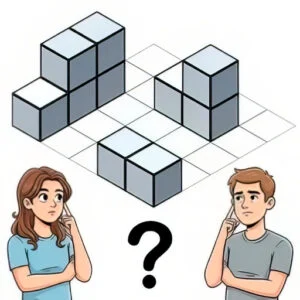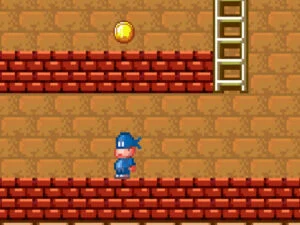


Sharpen your eye for detail with What Is Wrong 2, a satisfying puzzle game where carefully spotting inconsistencies and errors in each scene is the key to solving every increasingly tricky challenge. Study each scene carefully, scanning every corner for cleverly hidden errors and inconsistencies, since these subtle problems are specifically designed to blend into the scene and demand genuine patience and sharp observation to spot. The genuine challenge lies in careful, methodical observation rather than random clicking, rewarding players who examine every detail of a scene instead of just scanning the obvious areas. Each level presents a fresh scene to inspect, keeping the core searching gameplay feeling fresh and engaging well beyond your first several rounds. There’s a genuinely satisfying payoff in finally spotting that one stubborn, well-hidden error after careful, patient searching, delivering a real sense of accomplishment with every completed scene. The detailed, richly illustrated visuals make every scene genuinely enjoyable to explore, even during the more challenging searches that take real time and patience to complete. Because it loads instantly in your browser, it’s perfect for a relaxing puzzle-solving session whenever you want a calm, detail-oriented mental challenge. Can you spot every error and complete each tricky scene? Start searching and put your eye for detail to the test right now!
Search richly detailed scenes to find carefully hidden errors and inconsistencies.